SMP maintains a vetted panel of over 300 disabled participants across Australia, the United Kingdom, and Ireland. Each participant completes a profile confirming their disability, assistive technology, and device setup. SMP verifies assistive technology use before testers join the panel, ensuring research findings reflect genuine real-world usage rather than simulated access needs.
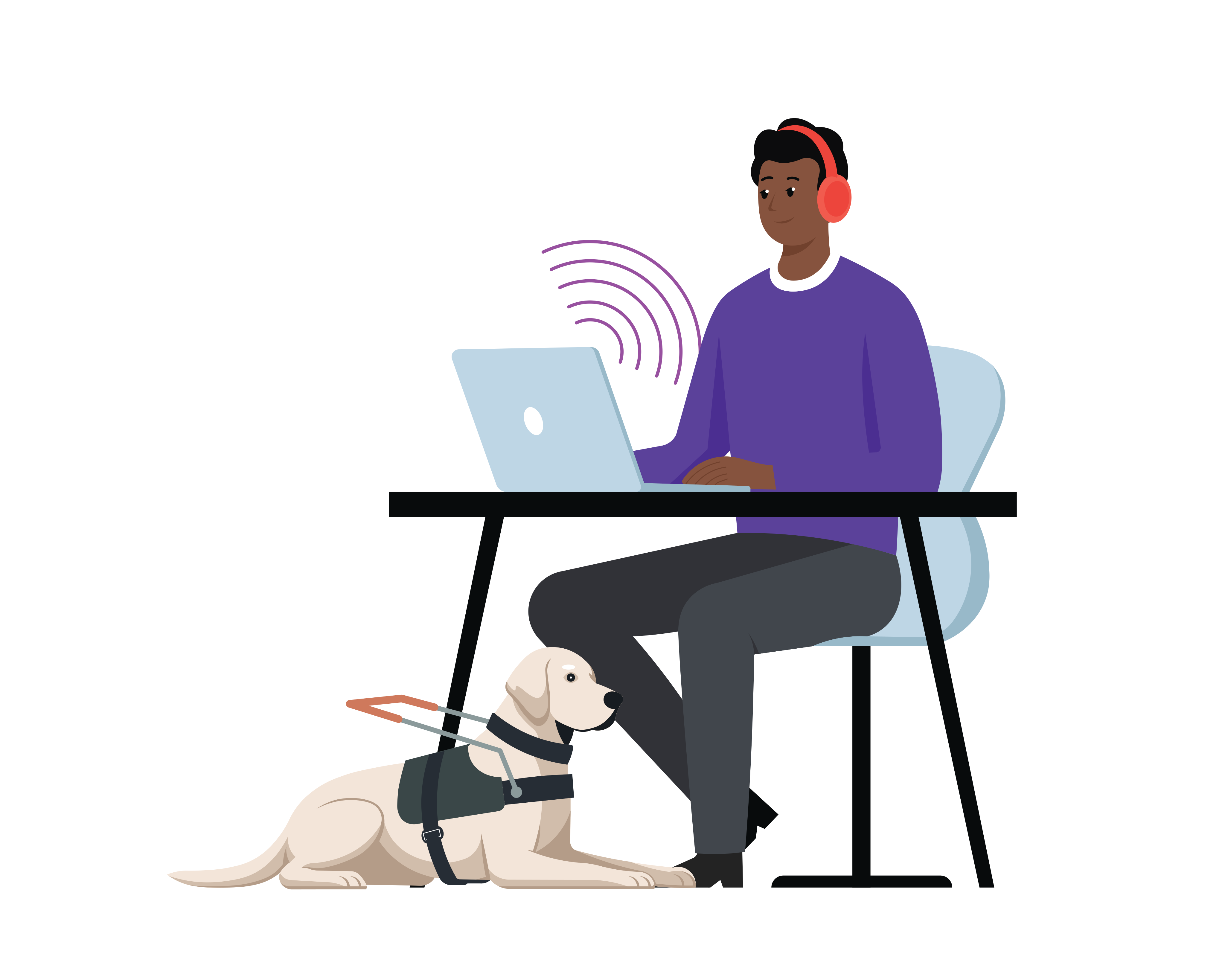
Adaptations & assistive technology
- Screen readers
- Refreshable braille
- Voice control & dictation
- AI visual assistance
Friction patterns we hear about
- Unlabelled buttons, icon-only controls, and decorative imagery without alt text
- Custom widgets that bypass the platform accessibility tree (drag-and-drop, canvas, custom dropdowns)
- Form errors announced visually but not programmatically, so submission appears to fail silently
- Heading structure that is purely cosmetic, breaking the screen reader landmark map
- Inaccessible PDF receipts, statements, and authentication challenges (CAPTCHA)

Adaptations & assistive technology
- Magnification
- Dark mode
- High contrast
- Large text
- Inverted colours
- Screen readers (paired)
- Voice control & dictation
- AI visual assistance
Friction patterns we hear about
- Text that loses meaning when scaled to 200%; content reflows but key labels disappear off-canvas
- Insufficient colour contrast on body copy, links, focus rings, and form-field borders
- No dark mode for participants who get headaches or abandon a flow because of glare and inverted colours
- UI that depends on subtle hover states or thin 1 px dividers that fade under magnification
- Modals and tooltips that anchor at fixed coordinates so the relevant content never lands inside the magnified viewport
- Information conveyed by colour alone (red error states, green success indicators)

Adaptations & assistive technology
For many Deaf participants, sign language is a visual language and their first language. Written English is a second language, so dense paragraphs and complex terminology create more friction than audio alone. Iconography and step-by-step guides reduce the reading load and make complex flows scannable visually.
- Hearing & audio aids
- Live captioning
- Interpretation
- Visual & haptic alerts
- Plain-language tools
- Iconography & step-by-step guides
Friction patterns we hear about
- Complex terminology, idioms, and dense paragraphs of written English. Sign language is a visual language and the first language for many Deaf participants, so heavy text adds significant load
- Long-form instructions without iconography or visual step-by-step guides to anchor each stage of a flow
- Auto-play videos with audio narration but no captions or transcript
- Customer-service flows that route to a phone call with no chat, RTT, or sign-language alternative
- Notifications that fire only as a system sound, with no visual alert, vibration, or in-app banner
- Auto-generated captions that lag, mis-spell critical words (medical, legal, financial), or are switched off by default

Adaptations & assistive technology
Over-65 participants are less likely to use a named screen reader, but very likely to lean on system-level adjustments: larger system font, increased contrast, browser zoom, the operating-system magnifier, and voice control. Many have hearing aids paired to their phone for calls, even if they don’t self-identify as having a hearing impairment. Confidence matters as much as capability for this cohort: poor service design is exacerbated when patterns are unpredictable or when critical visual cues are missing, and small frictions compound into abandonment faster than they would for younger participants.
- Visual display adaptations
- Magnification
- Hearing aids (paired)
- Voice control
- Accessibility services
Friction patterns we hear about
- Unpredictable or inconsistent navigation patterns that change between sections of the same product
- Absence of critical visual cues (where am I in this flow, what just happened, what is the next step)
- Multi-factor authentication that times out before a code can be retrieved from a different device
- Small targets and dense layouts that fight against age-related motor and visual changes
- Jargon and acronyms that assume prior digital literacy
- Modal patterns that hijack the back button or trap focus unexpectedly
- Aggressive session timeouts that destroy work in progress with no recovery path

Adaptations & assistive technology
Limited English participants rely on translation, AI interpretation, iconography, step-by-step guides, and simple content.
- Translation
- AI interpretation
- Iconography
- Step-by-step guides
- Plain-language / simple content
Friction patterns we hear about
- Complex language: idioms, financial jargon, and government-speak that survive direct translation but lose meaning
- Walls of text that overwhelm reading-as-a-second-language comprehension and translation tools alike
- Images that relay information without a text equivalent or alt text, so translation tools have nothing to interpret
- In-app translation that switches the UI but leaves form labels, error messages, and PDFs in English
- Address, name, and ID fields that assume Western formatting (no second-family-name field, fixed postcode regex)
- Date and number formats that flip between locales without the participant noticing (DD/MM vs MM/DD, comma vs period)
- Customer service chat that hands off to a human who only speaks English
Adaptations & assistive technology
- Visual display adaptations
- Reading & cognition
- Accessibility services
- Plain-language tools
- AI focus & summarisation
Friction patterns we hear about
- Auto-play video, looping animations, and parallax scroll that overwhelm sensory bandwidth
- High-saturation accent colours used at scale, especially red error states or pulsing CTAs
- Aggressive deadlines (countdown timers, "you’ll lose your spot in 30 seconds")
- Implied-meaning copy that demands social inference: surprising flows, ambiguous CTAs, "obvious" next steps
- Inconsistent navigation patterns that change between sections of the same product
Adaptations and assistive technologies on this page are described by category: screen readers, magnification, refreshable braille, voice control, hearing and audio aids, language and translation, visual display adaptations, reading and cognition aids, accessibility services, and AI-powered assistance. The categories mirror the canonical SMP assistive technology taxonomy used in tester onboarding, the admin portal, and the insights surface.
We deliberately don’t name specific products in the article body. Two participants in the same cohort might use very different tools. What matters for design and research is the type of adaptation they rely on. The category, not the product, is what your decisions need to support.
Cohort findings are grounded against WCAG 2.2 AA (opens in a new tab) and against the regulatory context of each region SMP operates in.
In Australia, work is grounded against the Disability Discrimination Act 1992 and the Australian Human Rights Commission's accessibility guidance, which both expect digital services to meet WCAG 2.2 AA as the working benchmark.
In the United Kingdom, the Equality Act 2010 (opens in a new tab) requires reasonable adjustments to digital services. The Public Sector Bodies (Websites and Mobile Applications) Accessibility Regulations 2018 mandate WCAG 2.2 AA for public sector services. The Government Digital Service (opens in a new tab) monitors compliance.
In Ireland and the wider EU, the European Accessibility Act enters full force in June 2025, extending similar WCAG 2.2 AA expectations to private-sector services in scope (banking, ecommerce, transport, ebooks, communications). SMP's Dublin office runs research into how these obligations land for the people using those services in practice.
For the underlying scoring vocabulary, see the Friction Types reference and Friction Severity reference, or read the methodology piece on Accessibility v Usability to see how friction observed in the cohorts above feeds the paired score.