If you've never run a session with a blind user before, you'll have a lot of questions before the first booking. Most of them are the wrong questions. Teams new to screen reader testing tend to over-prepare the technology and under-prepare the test design, they install NVDA on a laptop, write a script that mostly says "now try to find the menu", and then wonder why the recordings are forty minutes of awkward silence followed by "yeah, fine, I guess."
Here's what actually produces signal. We've run hundreds of sessions with blind users at See Me Please; the patterns below are what we wish every team knew before their first booking.
Principle 1: Don't prescribe the screen reader
Don't supply the laptop. Don't supply the screen reader. Don't specify which one they should use.
This is the single most-broken setup decision teams make. A facilitator will say "we'll provide a Windows laptop with NVDA installed for the session", and what they're actually doing is forcing a JAWS-on-Mac user to fight an unfamiliar tool for an hour.
Screen reader proficiency takes years to build. Experienced users have memorised hundreds of keyboard shortcuts, calibrated their speech rate, configured their punctuation verbosity, chosen voices that work for their ears, and built workflows around quirks specific to their tool. Prescribing the screen reader doesn't just inconvenience the participant. It actively invalidates the test, because what you're now observing isn't "how this user navigates your product"; it's "how this user struggles with an unfamiliar piece of software while also trying to navigate your product".
It also increases barriers in the recruitment funnel. Telling a screen reader user "you must use JAWS" eliminates everyone who uses NVDA, VoiceOver on macOS, VoiceOver on iOS, TalkBack on Android, ChromeVox, or Narrator. Each of those tools has a real user base, each interacts with your product differently, and each surfaces issues the others miss.
In practice:
Participants test on their own hardware
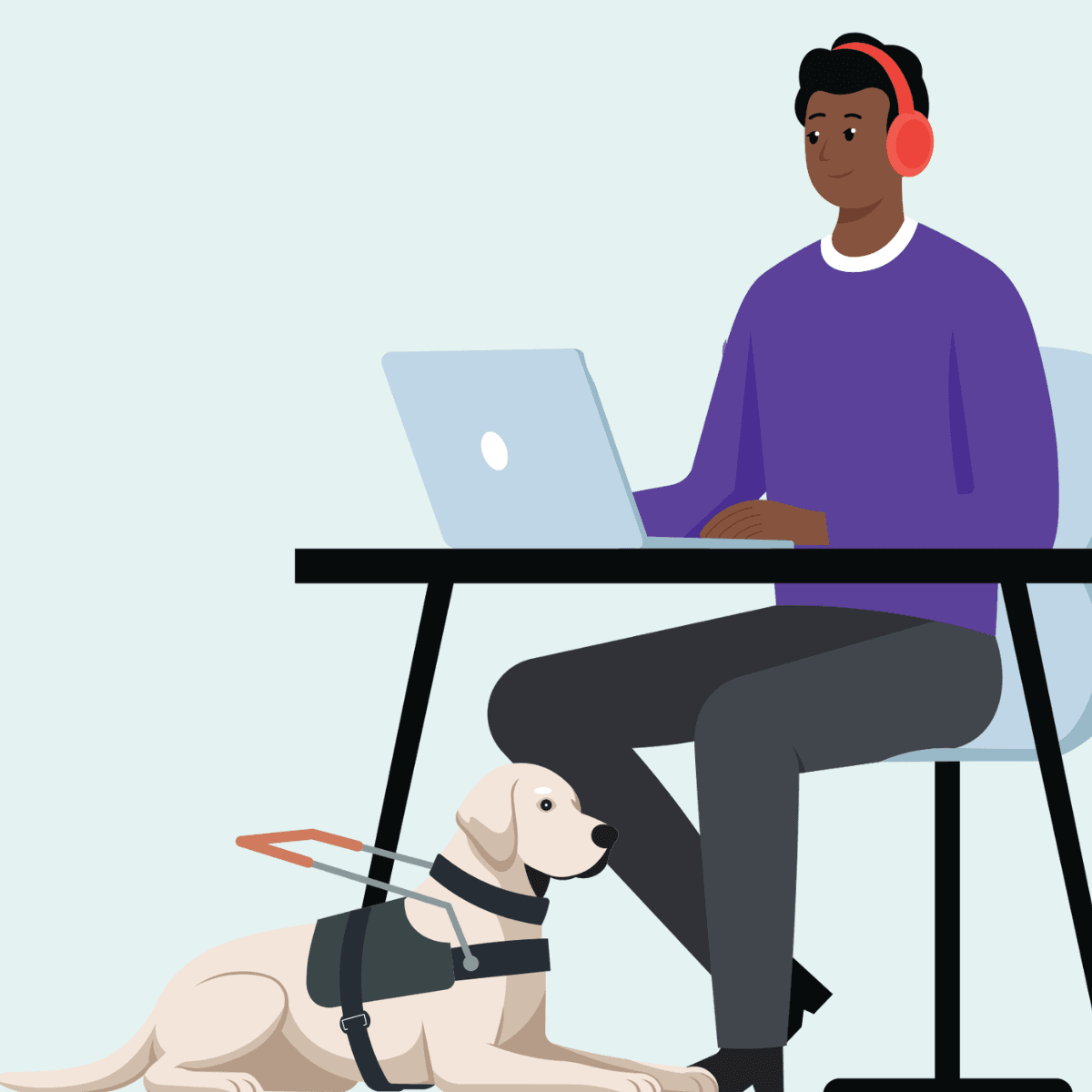
Participants use their own screen reader: whichever they've configured for their daily life
Participants use their own browser
You record their screen and audio remotely (Zoom, Tuple, or a purpose-built panel platform)
If your test is desktop-only and your participant is mobile-first (VoiceOver-on-iPhone is the dominant configuration for many blind users globally), that's a finding, not a setup problem.
Principle 2: Design for the task, not the technology
The most common framing mistake is treating the screen reader as the unit of analysis. Sessions get scoped as "test whether the user can navigate the menu with their screen reader." Wrong unit.
The unit is the task. Open a savings account. Find the closing balance from three months ago. Cancel an automatic renewal. Lodge a complaint. The screen reader is the user's vehicle. The test is whether the task is completable, not whether each ARIA landmark fires.
This shift matters because it changes what counts as a finding:
Bad framing: "The user couldn't find the FAQ section with their screen reader." (Implies a screen reader fix.)
Right framing: "The user spent four minutes looking for an answer that the FAQ would have provided, and ultimately gave up. The FAQ is reachable via the screen reader; it's the seventeenth landmark." (Implies an information-architecture fix that helps everyone.)
Principle 3: Don't talk over the screen reader
You can't listen to two people speaking simultaneously. Neither can your participant. Asking "so, how's that going?" while their screen reader is mid-sentence forces them to choose between hearing you or hearing the page. They'll pick you, out of politeness, and lose the thread of the page. That's a destroyed session.
Wait for natural pauses. A screen reader user finishing a chunk of content will stop the speech, sit silently for a moment, then act. That's your window. Not while the synthetic voice is reading.
Pre-empting the related question we always get: yes, the speech is meant to sound like that. Many seasoned screen reader users run their voice output at 350–500 words per minute. To an outside listener it sounds like an audiobook played at 4× speed and a foreign language all at once. To the user, it's normal pace, and slowing it down is more cognitively expensive than letting it run fast. Don't ask them to slow it for your benefit. You're observing how they actually use the tool, not how they'd use it if a facilitator was in the room.
Principle 4: Patience. Sessions take as long as they take.
If you've booked an hour and your participant is 45 minutes in trying to find a single button, the instinct is to "rescue" the task, "let me just walk you through it so we can move on", and call it a day. Don't.
Watching a participant spend 45 minutes locating a button is the finding. It's the most expensive piece of evidence in your session, and the one that genuinely changes the product team's understanding. Cutting it short to fit the schedule means the team gets to keep the comforting fiction that the button is "discoverable, with effort." Letting it play out means they have to look the friction in the face.
In practical terms:
Build sessions long enough to let things play out (we recommend 75–90 minute slots, with the last 15 minutes reserved as buffer for either deeper probing or rescheduling).
Don't pre-cap individual tasks. The point of testing isn't to confirm pre-existing assumptions about how long each step "should" take.
If a task is going to run long, ask the participant whether they want to continue or move on. The decision is theirs, not yours. Respect their pacing.
Principle 5: Privacy. Sensitive information gets redacted.
Screen readers narrate everything. Everything. If your test involves logging in, your participant's password gets read aloud, character by character. If the form pre-fills, their name, address, date of birth, and phone number are spoken out. If a verification code lands during the session, it's announced too. Recordings capture all of it.
This creates two obligations:
Limit the live audience. A user testing session is not a viewing party. The fewer people on the call, the lower the risk that personal information ends up in inappropriate hands. Standard SMP practice: one facilitator, one observer maximum. Stakeholders watch the redacted recording later.
Redact sensitive content before sharing recordings. Any personally identifiable information, passwords, full names, addresses, financial details, codes, is removed from the recording before it's distributed beyond the immediate research team. This is non-negotiable; "we'll fast-forward past it" isn't redaction. Use tools that physically blur the relevant frames and silence the relevant audio.
Participants are extending you trust by letting you watch them attempt your product. Treating their personal data carelessly betrays that trust and, in many jurisdictions, breaches privacy law.
What to ask in the debrief
Generic "how was that?" questions get "yeah, fine" answers. Ask the questions that elicit comparison, hierarchy, and concrete preference:
"On a scale of 1 to 5, how would you rate that experience?", calibrates against their personal baseline, not yours
"How did this compare with [a familiar competitor product] for the same task?", gets you a relative score
"If you had to choose one thing for us to fix, what would it be?", surfaces the actual blocker, not the polite ones
"Was there anything you would have done differently if you'd had a sighted person next to you?", surfaces the workarounds and assistance dependencies they normally hide
"What would have made this delightful, not just usable?", asks for the universal-usability bar, not the compliance bar
You'll notice none of these are "did the screen reader work?" That question gets you compliance noise. The questions above get you product insight.
Practical session logistics
For teams running their first blind-user testing, the boring details matter:
Session length: book double what you'd book for a sighted user. Two hours is a reasonable default. A task that takes a sighted participant 10 minutes routinely takes a screen reader user 20–25, and that's not because the participant is slow. It's because navigating verbose UI by ear, untangling unlabelled controls, and recovering from focus-trap dead-ends takes real time. Booking a 60-minute slot and then "pushing through" the inevitable overrun is one of the most common mistakes we see. Allow the time. If the session finishes early, great. If it runs the full two hours, you get the insight you came for instead of cutting it short at the most interesting moment.
Pay properly. Disabled participants are professionals doing skilled work. Our floor is double the open-employment minimum wage of the region, with many seasoned testers paid materially more, and we enforce a three-hour minimum per engagement to acknowledge the real cost (transport, AT preparation, post-session fatigue) of showing up.
Send the brief in plain text or an accessible PDF. Don't send a graphic-heavy Word doc.
Confirm scheduling preferences. Some screen reader users prefer text-based confirmations; calendar invites with embedded video links can be hard to action.
Test the recording setup. A common mistake: the facilitator can't hear the participant's screen reader because Zoom audio defaults compress the synthetic voice into mush. Test this end-to-end in advance.
What to do with what you find
The most common post-test failure is treating each session as a one-off. You'll get a list of issues from each participant, dutifully type them into a backlog, and three months later have no idea whether the issues recurred across cohorts or whether the fixes worked.
What actually compounds value:
Classify each friction by type. Information-architecture, assistive technology compatibility, language, motor, cognitive load, content quality. Without consistent classification, every project is an island.
Classify each friction by severity. Blocker, severe, moderate, mild, edge. The blocker on a critical task should not get the same weight as a mild annoyance on a settings screen.
Score the outcome. Track an accessibility score over time. Re-test after fixes ship. The improvement (or lack of it) is the signal that proves the work was worth doing.
This is what See Me Please builds into every project by default. The full methodology is at /knowledge/accessibility-v-usability (opens in a new tab).
Why one blind participant isn't enough for screen reader usability testing
It's tempting, when budget is tight, to book one screen reader user and call it done. Don't.
Blind users are not interchangeable. A JAWS-on-Windows user who's been blind since birth, a VoiceOver-on-iPhone user who lost their vision in their 50s, and a person with 5% residual vision using ZoomText with screen reader assistance will give you three completely different reads of the same product. We recommend a minimum of three blind participants per project, with deliberate variation in screen reader, age, onset, and platform. That's what our standard 18-participant panel does.
"Accessible" isn't the goal you're after
One last reframe, and it's the most important one.
When teams design success criteria for testing with blind users, the question they want to answer is almost always "is it accessible?" It's a natural question. It's also the wrong one. Accessible is rarely binary. It's a spectrum. A product can be technically accessible in the sense that a determined screen reader user can eventually fight their way through it, while still being a miserable, exhausting, dignity-eroding experience that no one with options would tolerate. Calling that "accessible" is true in the narrowest possible sense and useless in every other.
The honest measure of success for testing with blind users is the same measure of success you'd use for any other user. Was it seamless? Was it intuitive? Was it easy? Could the participant complete the task with confidence, in a comparable time, with comparable enjoyment, to someone without a disability attempting the same task?
If yes, the product is genuinely good. If no, the gap between "it works" and "it's good" is exactly where the work lives. That's the gap the rest of this article exists to help you find.
Stop asking "can a blind user use this?" Start asking "is it as good for a blind user as it is for everyone else?" The second question is harder. It's also the only one worth answering.
A real quote that captures the right framing
From Mary, one of our blind testers, on what good user research with blind users looks like:
"We know what we need and we know what we want from programmes or apps. So it is always best to ask the user."
Take this seriously. The reason your team can't test accessibility from the inside isn't a lack of expertise, it's that you're not the user. Get out of the room. Let the participant work. Listen properly. Compound the findings over time.
That's the whole job.
See Me Please is a diverse and disabled user testing platform connecting organisations with diverse and disabled participants to evaluate real-world usability beyond WCAG compliance.