
Last reviewed 24 November 2026 (AEST).
Short answer
To prove an accessibility fix worked, re-run the same journey with the same tasks and the same perspectives, then compare four things: the two scores, the lowest score, the number and severity of findings, and video of the moment that used to break. A scan can re-check code. Only people can confirm a fix to understanding, effort or trust.
Fixed something? Book a 30-minute call and we will scope it with you. Not the budget holder? Ask us for a one-page summary to send your manager. Book a call
Key terms
- Accessibility score and usability score: two separate scores out of 100. The first asks whether people could reach what they needed; the second asks whether the experience respected their time.
- Finding: one barrier or moment of friction a tester met, tagged by journey step, perspective, severity and friction type.
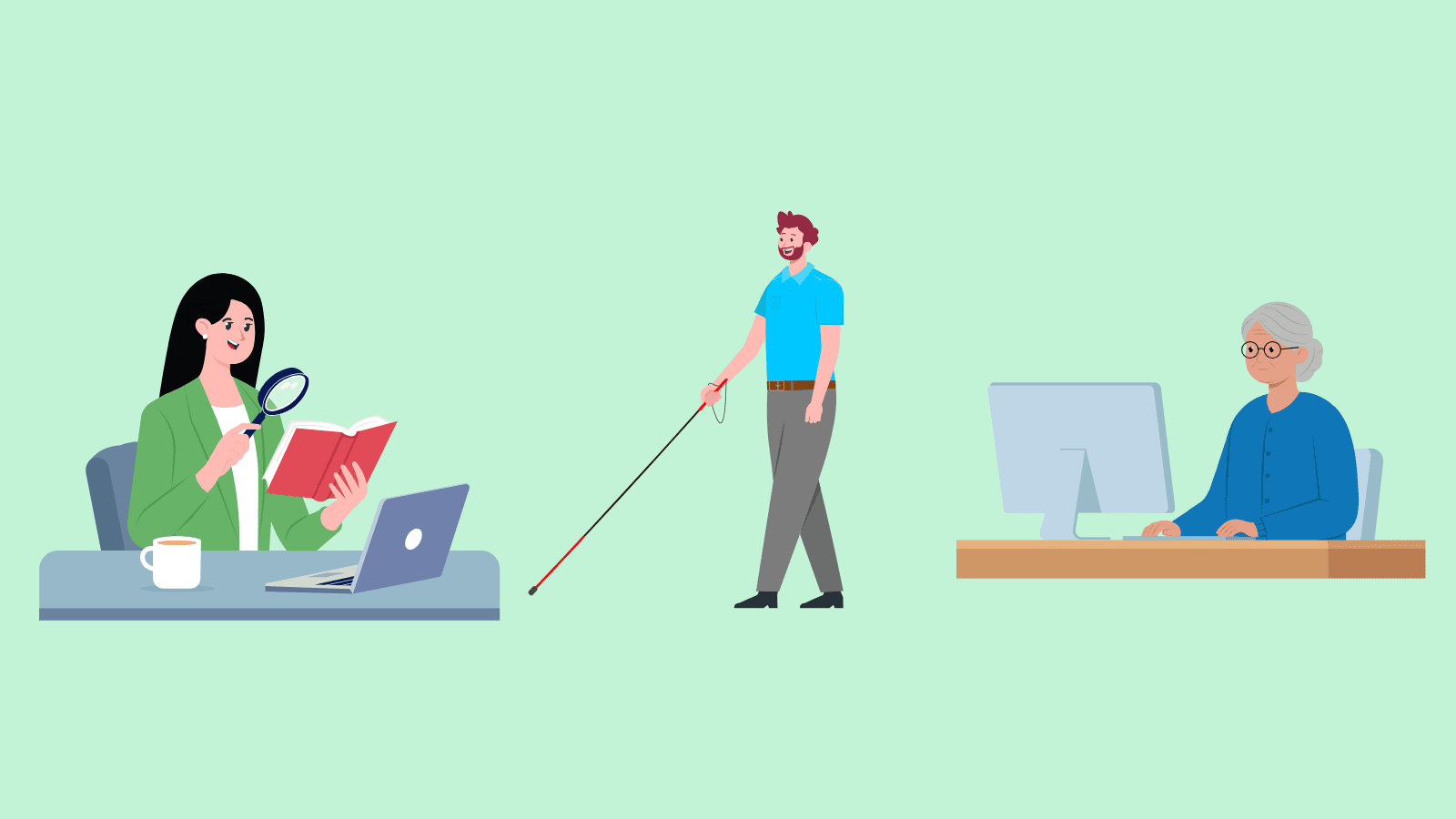
- Perspective: one of the six groups in every project: Blind, Low vision, Deaf, Neurodivergent, Older than 65 and Limited English.
- Finding totals: our research quotes different totals from the same 15 studies, such as 5,733 or 7,027 findings, because each analysis counts a different set: individual findings, synthesised findings that group similar moments, or only the findings that carry the relevant tag. See our research.
How do you validate accessibility improvements with real users?
Re-run the same journey, with the same tasks, with people from the same perspectives, and compare the results with the first round: the accessibility and usability scores, the number and severity of findings, the lowest score as well as the average, and video of the moments that used to break. If the fix worked, you will see it in all four.
Even accessibility companies that focus on audits make this point. Level Access writes that “only testing by people with disabilities can tell you whether any fixes you’ve made” lead to equitable experiences (Level Access, 12 February 2026).
Why re-test with people rather than re-run a scan?
Run automated checks on every release; they are the right tool for catching regressions in code. But a scan can only re-check what a scan could find in the first place. Many of the barriers people hit are about understanding, effort and trust, and a fix to one of those can only be judged by a person.
- In our research, comprehension was the most frequent problem, at 29.4% of 5,733 findings. Rewriting a page to be clearer is a fix no tool can verify.
- A fix can move a problem rather than remove it. A clearer error message is no help if the form still clears every field when it appears.
- A fix for one group can create a barrier for another. Testing across six perspectives shows whether that happened.
What should you compare between the two rounds?
| Measure | Why it matters |
|---|---|
| Accessibility and usability scores, by task and perspective | Shows whether people can now reach what they need, and whether the experience respects their time. Keep the two apart (see accessibility and usability): a fix can improve one without the other. |
| The lowest score, not only the average | Across 148 task-and-group combinations in our data, the average gap between highest and lowest score was 40.5 points out of 100, and the floor was often 0 when the average looked acceptable (The volatility problem). A fix that helps most people but still locks out one is not finished. |
| Number and severity of findings | Fewer blockers and severe findings is the clearest sign of progress. Watch for new findings caused by the change. |
| How many people hit each problem | 56% of findings in our data were reported by one tester and 19.4% by four or more. A problem that moves from many people to none is resolved; one that drops from four people to one may only be quieter. |
| Where people drop out | The step where people gave up or needed help. If the drop-out point moves later in the journey, or disappears, the fix is working. |
| Video of the same moment, before and after | The most persuasive evidence for leaders and budget holders. Two short clips side by side need no explanation. |
How do you make a re-test fair?
- Keep the tasks the same. Change the wording and you change the result. Use the same starting point, the same goal and the same success measure.
- Keep the perspectives the same. If the first round included three people from each of six perspectives, so should the second.
- Think about who returns. A returning tester can tell you directly whether something improved, but already knows the journey. New testers show what a first-time customer meets. A mix of both is often the most informative.
- Look at what people do, not only what they say. Across 1,500 sessions in our data, people rated their experience 16.8 points higher on average than the observed evidence supported. A rise in satisfaction alone is weak evidence that a fix worked.
- Test the whole journey, not only the fixed screen. Barriers often appear at the joins between steps.
When should you re-test?
- After a release that fixes serious findings, to confirm the fix worked before you close the issue.
- Before procurement or contract sign-off, when a supplier says a product has been fixed.
- After a redesign, because new layouts and content bring new barriers.
- On a regular cycle, for your most important journeys, so you can show improvement over time with scores that are measured the same way every time.
A cadence that works for many teams: test before launch, re-test the fixed journeys within a quarter, and run your most important journeys every six to 12 months. That builds testing into your release rhythm instead of a once-a-year big bang, and gives leadership a regular, comparable view of progress.
Quick wins make early re-testing worthwhile. Across 5,823 findings in our research, 47.9% were quick wins, fixable without a major redesign. Shipping a batch of them and re-testing soon after is an efficient way to show progress.
How does See Me Please run a re-test?
A re-test runs exactly like the first test, so the results compare directly. In a bundle or ongoing programme it is part of the plan; otherwise we scope it as a follow-up project.
- The same research plan and tasks, updated only where the journey itself has changed.
- Testers from the same six perspectives, recruited in your country, with the same hybrid of moderated and unmoderated sessions chosen per tester and task.
- The same scoring: separate accessibility and usability scores in four bands, seven friction types and six severity levels, applied the same way on every project.
- Both rounds in the same research repository, which grows with every project, so anyone in your organisation can see what changed.
- Findings download as Excel, PDF or PowerPoint reports, so your teams can match each one to the ticket it closes. The Excel findings export is available on projects that include the detailed dataset.
If you test regularly, a bundle or ongoing programme makes each re-test materially cheaper than a one-off project. See how accessibility testing pricing works.
Where a finding relates to a WCAG 2.2 success criterion, the re-test maps it again, so you can see which criteria-related issues are resolved.
Frequently asked questions
How do I prove an accessibility fix worked?
Re-test the same journey with people from the same perspectives, using the same tasks, and compare scores, findings and video with the first round. If blockers have gone, the lowest scores have risen and the clips show people getting through, the fix worked.
Should I use the same testers for a re-test?
A mix often works best. Returning testers can say whether something improved; new testers show what a first-time customer meets. Keep the same perspectives either way.
Can automated tools confirm a fix?
They can confirm that a code-level issue they detect has gone, and they should run on every release. They cannot confirm fixes to comprehension, effort or trust, which make up much of what real people struggle with.
Is re-testing included in a See Me Please project?
In a bundle or ongoing programme, yes, it is part of the plan. Outside one, re-testing resolved issues is scoped as a follow-up project unless agreed at the start. It uses the same method as the first test.
How often should we test?
Test before launch, re-test the fixed journeys within a quarter, and run your most important journeys every six to 12 months. A bundle or ongoing programme makes that regular cycle cheaper per project.
How soon after a fix should I re-test?
As soon as the fix is live in an environment testers can reach. Testing a batch of fixes together is usually most efficient.
How do we show leadership that accessibility is improving?
Use the same scores, measured the same way each round, the lowest score as well as the average, and two clips side by side. The comparison table above lists what to show.
Do findings flow back into our tickets?
Findings download as Excel, PDF or PowerPoint, so teams can match each one to the ticket it closes.
Next step
Book a call to re-test the same journey with the same perspectives.
Fixed something? Book a 30-minute call and we will scope it with you. Not the budget holder? Ask us for a one-page summary to send your manager. Book a call
Sources
- Level Access, Accessibility user testing: a practical guide, 12 February 2026: levelaccess.com
- See Me Please research, 15 independent usability studies conducted between late 2025 and mid-2026: the volatility problem, prioritising a backlog, self-report bias, comprehension findings. How we count and check these figures: our research.