WCAG stands for Web Content Accessibility Guidelines. It is the international standard developed by the World Wide Web Consortium, or W3C, to help make web content more accessible to people with disabilities. WCAG gives teams a shared, testable way to assess accessibility across websites, web applications and digital content.
It is important. It is widely used. It underpins accessibility requirements in many countries.
It is also not magic.
Meeting WCAG can tell you whether a product conforms to a technical standard. It cannot, by itself, tell you whether a disabled person can use your product easily, confidently or independently.
That distinction is where things get interesting.
What does WCAG stand for?
WCAG stands for Web Content Accessibility Guidelines.
The guidelines are developed through the W3C Web Accessibility Initiative with input from people and organisations around the world. Their purpose is to provide a shared international standard for making web content more accessible to disabled people. W3C describes WCAG as applying across a wide range of disabilities, including visual, auditory, physical, speech, cognitive, language, learning and neurological disabilities.
Source: W3C, WCAG 2 Overview
https://www.w3.org/WAI/standards-guidelines/wcag/
What is WCAG in simple terms?
WCAG is a set of testable accessibility requirements for digital content. It helps teams answer questions such as whether a page can be used with a keyboard, whether text has sufficient contrast, whether images have text alternatives, whether form controls are properly labelled, and whether content can be interpreted reliably by assistive technologies.
A useful way to think about it is this: WCAG gives you the technical rules of the road. It does not tell you everything about the journey.
W3C says WCAG 2.2 is designed to be technology independent and testable through a combination of automated testing and human evaluation. That combination matters. Accessibility cannot be reduced to a scanner score.
Source: W3C, Web Content Accessibility Guidelines 2.2
What are the four WCAG principles?
WCAG is organised around four principles known by the acronym POUR: Perceivable, Operable, Understandable and Robust.
Perceivable means people must be able to access the information being presented. If someone cannot see an image, for example, important information may need a text alternative. If someone cannot hear audio, captions or transcripts may be needed.
Operable means people must be able to interact with the interface. A person who cannot use a mouse should still be able to navigate and operate the product using a keyboard or another input method.
Understandable means content and interactions should make sense. Labels, instructions, navigation, errors and behaviour should be clear and predictable.
Robust means content should be implemented in a way that can be reliably interpreted by browsers, devices and assistive technologies, now and as technology changes.
GOV.UK describes these four principles as applying to code, content and interactions, which is a useful reminder that accessibility is not a job for one person with an audit spreadsheet. It is a product responsibility.
Sources:
GOV.UK, Understanding WCAG 2.2
https://www.gov.uk/service-manual/helping-people-to-use-your-service/understanding-wcag
MDN, Understanding the Web Content Accessibility Guidelines
https://developer.mozilla.org/en-US/docs/Web/Accessibility/Guides/Understanding_WCAG
What are WCAG levels A, AA and AAA?
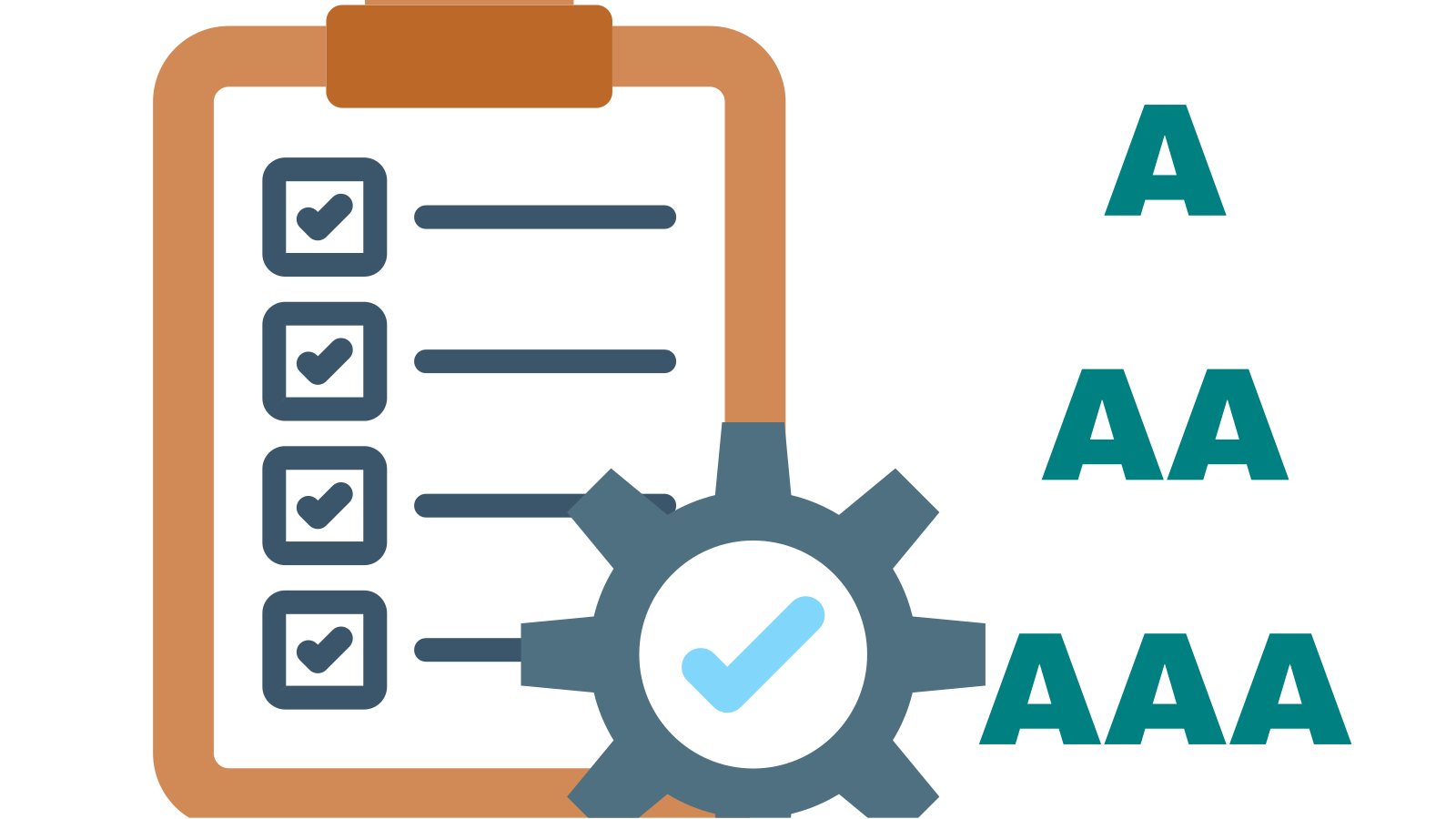
WCAG has three conformance levels: A, AA and AAA.
Level A contains foundational accessibility requirements. Level AA includes all Level A requirements plus additional criteria and is the level most commonly referenced by accessibility policies, procurement standards and regulation. Level AAA contains the most stringent criteria, but W3C does not recommend requiring an entire site to meet every AAA criterion because that is not possible for some types of content.
If an organisation says it conforms to WCAG 2.2 AA, it means the content meets all applicable Level A and Level AA success criteria in WCAG 2.2.
The bit people often miss is that AA does not mean “roughly accessible”. Conformance is cumulative. To claim AA, you also have to meet A.
Sources:
W3C, WCAG 2.2
Deque, Web Content Accessibility Guidelines
https://www.deque.com/accessibility-compliance/wcag/
What is the current version of WCAG?
WCAG 2.2 is the current completed WCAG 2 standard recommended by W3C for new and updated accessibility work. WCAG 2.2 builds on WCAG 2.1 and WCAG 2.0. Content that conforms to WCAG 2.2 also conforms to WCAG 2.1 and 2.0, with one exception: Success Criterion 4.1.1 Parsing is obsolete and has been removed from WCAG 2.2, so teams still required by policy to conform to 2.0 or 2.1 may need to continue testing and reporting against it.
WCAG 2.2 added nine success criteria, including requirements relating to focus visibility, dragging movements, target size, consistent help, redundant entry and accessible authentication.
WCAG 3 is being developed, but W3C states that it is still years away from completion. For organisations deciding what to work to today, WCAG 2.2 is the sensible reference point unless a particular law, contract or procurement requirement specifies something else.
Sources:
W3C, What’s New in WCAG 2.2
https://www.w3.org/WAI/standards-guidelines/wcag/new-in-22/
W3C, WCAG 2 FAQ
https://www.w3.org/WAI/standards-guidelines/wcag/faq/
Does WCAG apply only to websites?
No. WCAG was created for web content, but its principles and success criteria are used much more broadly across digital products and content.
Depending on the context and the applicable standard or regulation, WCAG concepts are applied to web applications, mobile experiences, documents, multimedia and other digital interfaces. Deque, for example, notes that WCAG principles can inform accessibility across PDFs, software, kiosks, emails, digital documents and more.
The exact legal or standards mapping can differ by product and country, so teams should distinguish between “WCAG is useful here” and “this product is legally required to conform to WCAG X at level Y”.
Source: Deque, Web Content Accessibility Guidelines
https://www.deque.com/accessibility-compliance/wcag/
Is WCAG a law?
WCAG itself is a technical standard, not a law.
However, laws, regulations, policies, procurement requirements and contracts around the world often reference WCAG or standards built around it. That is why WCAG conformance can have legal and compliance significance even though the WCAG document itself is not legislation.
In the UK public sector, for example, two separate things are often run together. The Public Sector Bodies (Websites and Mobile Applications) Accessibility Regulations 2018 originally set the technical standard by reference to the European standard EN 301 549, but a 2022 amendment replaced that with WCAG itself, so the legal standard is now the latest published version of WCAG at level AA, currently WCAG 2.2 AA. Separately, the GOV.UK Service Manual states that government services must meet WCAG 2.2 level AA as part of the Service Standard. Other jurisdictions reference different WCAG versions or incorporate WCAG through their own legal frameworks.
So when someone asks “Are we WCAG compliant?”, there are actually two questions hiding inside it:
Do we conform to the relevant WCAG success criteria?
And do we comply with the law, policy or contract that applies to us?
Those are related questions, but they are not identical.
Sources:
GOV.UK, Understanding WCAG 2.2
https://www.gov.uk/service-manual/helping-people-to-use-your-service/understanding-wcag
GOV.UK, Understanding accessibility requirements for public sector bodies
https://www.gov.uk/guidance/accessibility-requirements-for-public-sector-websites-and-apps
WCAG.com, WCAG 101
https://www.wcag.com/resource/what-is-wcag/
What is the difference between WCAG conformance and accessibility?
WCAG conformance means meeting defined success criteria in the WCAG standard. Accessibility is the broader outcome of making a product usable by disabled people across different needs, technologies, contexts and ways of interacting.
A product can conform to many technical requirements and still be unnecessarily difficult to use.
Across See Me Please testing, we repeatedly see issues that pass automated checks but still create significant friction for disabled users, particularly around date pickers, comparison tables, error recovery, button purpose and page structure.
For example, a date picker might have technically valid labels but still force a screen reader user through a tedious or confusing interaction. A comparison table might technically expose its content while a person using magnification has no indication that more options sit off screen. A form can meet a criterion for identifying errors but still make recovery exhausting.
WCAG is essential. Human experience tells you whether your implementation of it actually works.
Can automated tools tell me if I meet WCAG?
Not completely.
Automated tools are excellent at finding certain categories of issues quickly and consistently. They can identify things such as some missing labels, contrast problems, structural errors and invalid programmatic relationships.
But W3C explicitly describes WCAG as something that can be evaluated using a combination of automated testing and human evaluation. Many criteria require judgement. A tool can tell you that alternative text exists. It cannot reliably decide whether the alternative text communicates the right thing in context.
The same is true of headings, error messages, button names, focus order, instructions and many other parts of an experience.
Automation is a very useful torch. It is not the whole electrical grid.
Sources:
W3C, WCAG 2.2
WCAG.com, WCAG 101
https://www.wcag.com/resource/what-is-wcag/
Does WCAG guarantee a good experience for disabled users?
No.
WCAG is designed to make digital content more accessible, and following it can remove many significant barriers. But W3C itself notes that WCAG does not address every user need for every type, degree or combination of disability.
That is why a mature accessibility programme should not stop at conformance testing. It should also include assistive technology testing and research with disabled people.
GOV.UK guidance reflects this broader approach. It expects public digital services not only to meet WCAG requirements, but also to work with commonly used assistive technologies and to include disabled people in user research.
This is the difference between proving a requirement and understanding an experience.
Sources:
W3C, WCAG 2.2
GOV.UK, Making your service accessible: an introduction
What should WCAG testing include?
A robust WCAG testing programme should include automated testing, manual WCAG checks, keyboard testing, assistive technology testing, testing across relevant browsers and devices, and usability testing with disabled people.
Those activities answer different questions.
Automated testing asks: can software identify known machine-detectable failures?
Manual review asks: does this implementation satisfy criteria that require human judgement?
Assistive technology testing asks: does the interface behave correctly when used through tools such as screen readers, magnification or voice control?
Disabled-user testing asks: can somebody actually complete the task comfortably, confidently and independently?
That last question does not make WCAG less important. It makes the standard more useful because it reconnects the technical requirement to the person it was intended to serve.
The See Me Please WCAG reality check
We think about WCAG in five layers.
1. Standard
What does WCAG require?
2. Implementation
Has the requirement been applied correctly in the actual product?
3. Assistive technology
Does it behave properly through the technology people use to access it?
4. Task
Can the user complete the thing they came to do?
5. Experience
Can they do it without unnecessary friction, confusion, fatigue or dependence on somebody else?
The first layer gives you a benchmark.
The fifth tells you whether you built something people can actually use.
Compliance tells you whether something passes. Lived experience tells you whether it works.
Why WCAG still matters enormously
None of this is an argument against WCAG. Quite the opposite.
Without a common technical standard, accessibility would depend far too heavily on individual judgement. WCAG gives designers, engineers, content specialists, testers, procurement teams, policy makers and organisations a common language. Its success criteria are specific enough to test and broad enough to be used internationally.
It has also helped move accessibility out of the realm of “nice to have” and into product quality, governance and accountability.
The mistake is not using WCAG.
The mistake is treating WCAG as the outer boundary of accessibility rather than the foundation.
A contrast ratio will not tell you whether a page makes sense.
A technically named button will not tell you whether its purpose is obvious.
A successful audit will not tell you whether somebody abandoned the journey.
And a green tick cannot tell you how it felt.
WCAG quick answer
WCAG, or the Web Content Accessibility Guidelines, is the international W3C standard for making digital content more accessible to people with disabilities. WCAG 2.2 is organised around four principles, Perceivable, Operable, Understandable and Robust, and has three conformance levels: A, AA and AAA. WCAG provides an essential technical benchmark, but conformance should be complemented by manual testing, assistive technology testing and research with disabled users to understand real-world usability.
Sources and further reading
W3C, WCAG 2 Overview
https://www.w3.org/WAI/standards-guidelines/wcag/
W3C, Web Content Accessibility Guidelines 2.2
W3C, What’s New in WCAG 2.2
https://www.w3.org/WAI/standards-guidelines/wcag/new-in-22/
W3C, WCAG 2 FAQ
https://www.w3.org/WAI/standards-guidelines/wcag/faq/
GOV.UK, Understanding WCAG 2.2
https://www.gov.uk/service-manual/helping-people-to-use-your-service/understanding-wcag
GOV.UK, Understanding accessibility requirements for public sector bodies
https://www.gov.uk/guidance/accessibility-requirements-for-public-sector-websites-and-apps
GOV.UK, Making your service accessible: an introduction
MDN, Understanding the Web Content Accessibility Guidelines
https://developer.mozilla.org/en-US/docs/Web/Accessibility/Guides/Understanding_WCAG
WCAG.com, WCAG 101: Understanding the Web Content Accessibility Guidelines
https://www.wcag.com/resource/what-is-wcag/
Deque, Web Content Accessibility Guidelines