Accessibility is usually described as whether people with disabilities can perceive, understand, navigate and interact with a product, service or environment. In digital products, that includes whether people can use websites, apps, forms, content and controls with different sensory, cognitive and physical needs, including with assistive technologies.
That definition matters. But in practice, teams often ask “is this accessible?” as though accessibility were a binary property, like whether a light is on or off.
Usually, it is not.
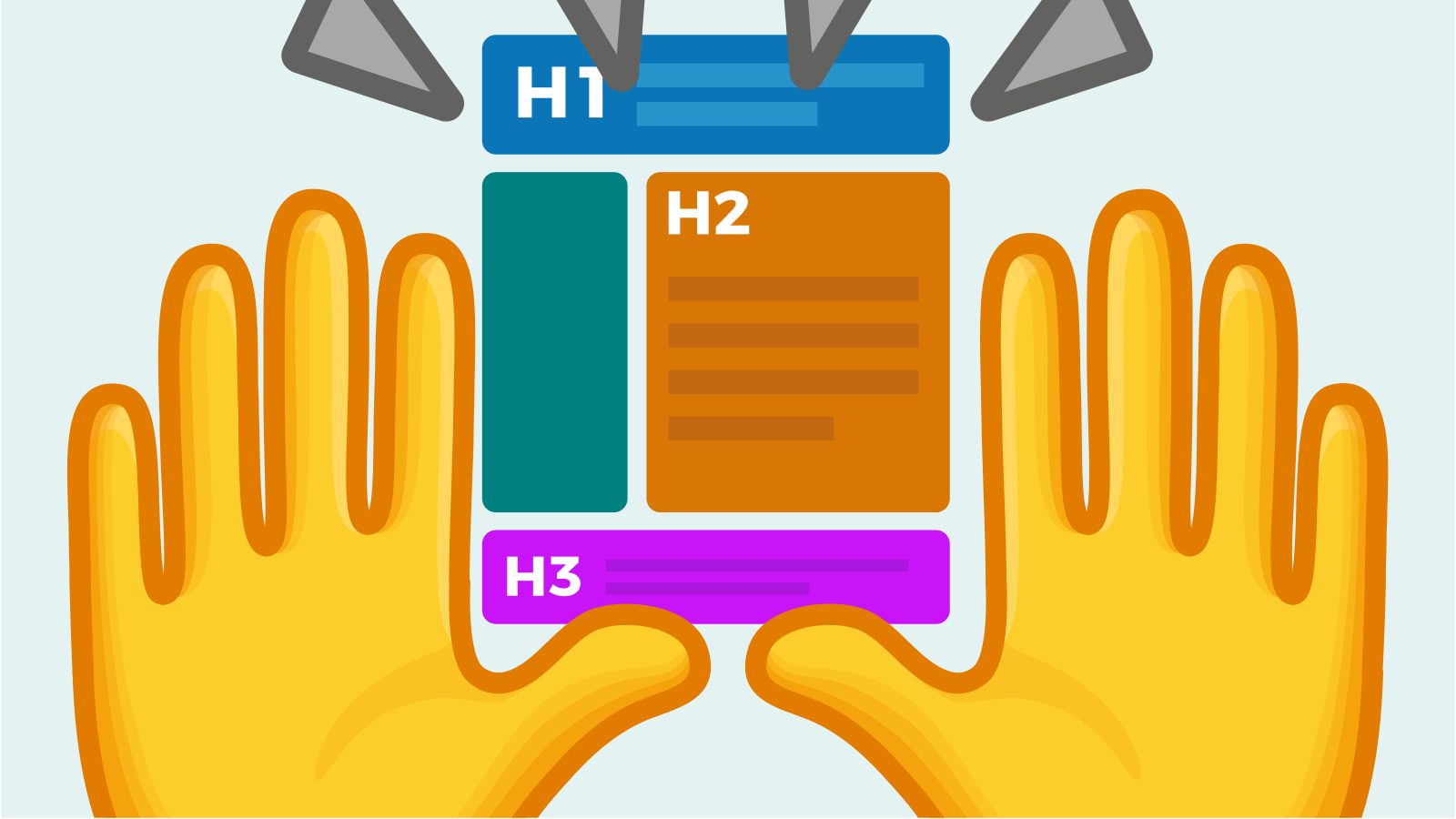
A product can meet many accessibility requirements and still be exhausting to use. A page can technically work with a screen reader and still make someone hunt through a poor heading structure. A comparison table can be operable but force a person using magnification to pan repeatedly across columns they cannot see at the same time. A form can be technically compliant but leave somebody unsure what went wrong or how to recover.
So the question “is it accessible?” is often too blunt for the thing people actually want to know.
The better question is: is it universally usable?
What does accessibility mean?
Accessibility means designing products, services and environments so people with disabilities can access, understand and use them without unnecessary barriers.
The W3C Web Accessibility Initiative defines web accessibility as websites, tools and technologies being designed and developed so people with disabilities can perceive, understand, navigate, interact with and contribute to the web. Accessibility covers visual, auditory, physical, speech, cognitive and neurological disabilities, and it often benefits people without disabilities too, including older people, people with temporary impairments and people in situationally limiting environments.
Source: W3C, Introduction to Web Accessibility
https://www.w3.org/WAI/fundamentals/accessibility-intro/
Is accessibility binary?
Rarely.
There are some genuinely binary failures. A screen reader cannot access a control at all. A keyboard user cannot reach an essential action. A video contains speech but has no captions. A form cannot be submitted without a mouse.
But much of real-world accessibility exists on a spectrum of effort, comprehension, confidence and independence.
Someone may technically be able to complete a task, but only after repeated attempts. Another person may finish it with a workaround. A third may abandon it entirely. All three experiences tell you something more useful than a simple accessible/inaccessible label.
This is why accessibility should not be treated only as a technical state. It should also be understood as a lived experience of whether a person can complete what they came to do.
What are people really asking when they ask “is this accessible?”
Usually, they are asking one or more of these questions:
Can people with different disabilities access the information?
Can they understand what it means?
Can they navigate the interface independently?
Can they complete the task without a workaround?
Can they recover when something goes wrong?
Can they use the product with their assistive technology or preferred input method?
Can they do all of that without disproportionate effort?
Those are usability questions as much as accessibility questions.
That is why, at See Me Please, we think the more useful question is often:
Is it universally usable?
What is universal usability?
Universal usability means designing and evaluating an experience so that people with a wide range of disabilities, abilities, technologies, languages, ages and contexts can use it effectively, independently and with reasonable effort.
It is not the claim that one design will create an identical experience for every person. That would be unrealistic.
It is the ambition that the experience should remain usable across meaningful human variation, rather than only working well for the people the design team happens to resemble.
Accessibility asks whether barriers exclude people. Usability asks whether the experience is effective, efficient and understandable. Universal usability asks whether those things remain true across diverse people and contexts.
Accessibility and usability are related, but they are not the same thing
W3C distinguishes accessibility from usability, while also noting that the two overlap significantly and are most effective when addressed together. Accessibility focuses particularly on equivalent access for people with disabilities. Usability focuses on whether products are effective, efficient and satisfying to use.
Source: W3C, Accessibility, Usability, and Inclusion
https://www.w3.org/WAI/fundamentals/accessibility-usability-inclusion/
At See Me Please, we measure accessibility and usability separately because they answer different questions.
Accessibility asks:
Can people navigate independently?
Can they access enough information to make an informed decision?
Is the information perceivable and understandable?
Does the interface work with the assistive technology or input method they rely on?
Usability asks:
Is the experience seamless and intuitive?
Does it behave as people expect?
Do people need workarounds?
Do they have to repeat actions, re-enter information or navigate in circles?
The distinction matters because a product can score well on one and poorly on the other.
In See Me Please’s accessibility versus usability methodology, one example product scored 81 out of 100 for accessibility but only 21 out of 100 for usability. That is the point in miniature: something can be comparatively accessible and still be a poor experience.
Source: See Me Please, Accessibility v Usability
https://seemeplease.com/knowledge/accessibility-v-usability
A simple way to think about it: the kitchen drawer
Accessibility is whether you can open the drawer and reach what is inside.
Can you tell what is in the drawer? Can you physically get the spoon? Can your assistive technology identify the controls that open it?
Usability is what happens next.
Is everything piled on top of everything else? Do you have to empty the drawer to find the spoon? Does the drawer stick? Do you have to remember a strange sequence to open it?
Universal usability asks whether a broad range of people can get the spoon, understand where it is, retrieve it independently and do so without absurd effort.
The drawer is technically openable. That is not the same thing as a good drawer.
Can something meet WCAG and still be difficult to use?
Yes.
WCAG is an essential technical standard for digital accessibility, but conformance does not guarantee that every disabled person will have a good experience.
W3C itself warns that when teams approach accessibility only as a checklist, the human interaction aspect can be lost. It recommends combining accessibility standards with usability processes and real people so products are both technically and functionally usable by people with disabilities.
Source: W3C, Accessibility, Usability, and Inclusion
https://www.w3.org/WAI/fundamentals/accessibility-usability-inclusion/
Across See Me Please testing, we repeatedly see issues that pass automated checks but still create significant friction for disabled users, particularly around date pickers, comparison tables, error recovery, button purpose and page structure.
A technically valid control may still be confusing. A comparison table may expose every column in the code while making it extremely difficult for a person using magnification to compare options. A date picker may technically announce its controls but still require a screen reader user to perform an exhausting sequence of actions to select a date.
This is why compliance is evidence. It is not the whole experience.
A real-world example: airline booking
In 2025, See Me Please benchmarked every major global airline with three blind participants using different screen reader and browser combinations. The testing covered Safari and Chrome, including VoiceOver and JAWS environments.
The task was not a narrow technical check. Each participant attempted a realistic end-to-end booking journey: navigating the airline homepage, entering a destination and travel dates, using the dynamic-pricing calendar and date picker, selecting flights, comparing fares and inclusions, choosing a seat, completing the booking form, and adding a guide dog as assistance to the booking.
Most airlines in the benchmark publicly positioned themselves as working towards WCAG AA, or in some cases AAA. Yet when blind users attempted the actual booking journey, only one airline, Emirates, could be booked seamlessly by all three participants.
That gap is the point. A service can satisfy many accessibility requirements and still fail at the moment a customer tries to do the thing the service exists for. A date picker can be technically exposed to a screen reader but still be extremely difficult to navigate. Dynamic pricing can be present in the interface but hard to compare. A seat selector can technically work while still imposing disproportionate effort. Assistance options can exist, yet be hard to find or complete independently.
So in this benchmark, the useful question was not simply “does this airline meet WCAG?” It was: “Can a blind person independently search, compare and book a flight, including the assistance they need, without workarounds or disproportionate effort?”
For See Me Please, that is the difference between accessibility as a compliance claim and accessibility as an actual customer experience.
Methodology note: benchmark conducted in 2025 with three blind participants using different screen reader and browser combinations across Safari and Chrome. The end-to-end task included homepage navigation, destination and date entry, dynamic-pricing date selection, flight and fare comparison, seat selection, form completion and adding a guide dog as assistance. Emirates was the only airline in the benchmark that all three participants could book seamlessly.
What makes something universally usable?
A universally usable experience should allow people with diverse needs to:
1. Perceive it
Important information can be seen, heard or otherwise accessed in a form that works for the user.
2. Understand it
People can make sense of the language, structure, choices and consequences.
3. Operate it
Controls work with different input methods, including keyboard, touch, voice and assistive technology.
4. Navigate it
People can orient themselves, find what they need and move through the experience predictably.
5. Complete the task independently
A person does not need someone beside them to explain, rescue or reinterpret the interface.
6. Recover from mistakes
Errors are clear, specific and actionable.
7. Use it without disproportionate effort
Success should not depend on extraordinary persistence, memory, workarounds or repeated attempts.
That last point is often missing from accessibility conversations.
If one person needs 30 seconds to complete a task and another needs six minutes, four attempts and a workaround, both technically “completed” the task. Their experiences are not equivalent.
The See Me Please universal usability test
When we want to know whether something is universally usable, we ask five questions:
1. Can people access it?
Can they perceive the information and operate the interface with their technology, input method or sensory needs?
2. Can people understand it?
Can they understand what is being asked, what their options are and what will happen next?
3. Can people complete the task independently?
Can they achieve the intended outcome without another person stepping in?
4. How much effort does success require?
Do people succeed naturally, or only through repeated attempts, workarounds, backtracking or guesswork?
5. Does the experience hold up across different people?
Does it still work for people using screen readers, magnification, captions, alternative input, different cognitive strategies, different levels of digital confidence, older users and people working in a second language?
This is a more useful test than a single yes/no question because it captures both exclusion and friction.
What kinds of friction matter?
In See Me Please testing, we classify friction because “it was hard” is not actionable enough.
Our methodology looks at seven recurring types of friction:
Comprehension: the person cannot understand what is being said or asked.
Confidence: they understand the screen but are unsure what to do next.
Accessibility: the interface does not work with their assistive technology or input method.
Unresponsive interface: they take an action and nothing happens, or the response is delayed.
Unexpected behaviour: the interface behaves differently from what they expected.
Content not found: they cannot find the information they need.
Excessive effort: the task requires too many steps, repeats or workarounds.
Source: See Me Please, Accessibility v Usability
https://seemeplease.com/knowledge/accessibility-v-usability
This matters because not every accessibility problem looks like a total blocker.
A user may succeed, but only after hesitation, repeated attempts or a workaround. That friction still matters. It can reduce confidence, increase cognitive load and make abandonment more likely.
Can accessibility benefit people without disabilities?
Yes.
Accessibility is primarily concerned with removing barriers for people with disabilities, but accessible design often benefits many other people too.
W3C gives examples including older people, people with temporary disabilities, people using small screens, people in bright sunlight, people in environments where they cannot listen to audio, and people with limited bandwidth.
Source: W3C, Introduction to Web Accessibility
https://www.w3.org/WAI/fundamentals/accessibility-intro/
Captions are essential for many Deaf and hard of hearing people. They are also useful on a noisy train.
Good contrast can be essential for someone with low vision. It can also help anyone looking at a phone in bright sunlight.
Clear instructions can be essential for someone with a cognitive disability. They can also make life easier for someone who is tired, distracted or using a service in their second language.
Accessibility is not a niche requirement. It is a way of designing for human variation.
How should organisations measure accessibility?
Use more than one source of evidence.
A credible accessibility programme should combine:
Technical standards such as WCAG.
Automated testing for machine-detectable failures.
Manual expert review.
Keyboard and assistive technology testing.
Testing across browsers, devices and input methods.
Usability testing with disabled people.
Observation of task completion, workarounds, hesitation and error recovery.
No single method tells the whole story.
At See Me Please, we explicitly avoid relying on self-ratings alone. Someone may say an experience was “fine” while the recording shows repeated attempts, backtracking or several minutes lost on one interaction. The useful signal is often in the tension between what someone said, what they did and what they had to overcome.
That is why our methodology combines survey responses, transcripts, observed behaviour, task completion and participant context rather than treating one score as truth.
Source: See Me Please, Accessibility v Usability
https://seemeplease.com/knowledge/accessibility-v-usability
So, what is accessibility in plain English?
Accessibility is the removal of barriers that would otherwise prevent people, especially people with disabilities, from accessing, understanding or using a product, service or environment.
But when evaluating real experiences, “accessible” and “inaccessible” are often too simplistic.
A better question is whether the experience is universally usable: can diverse people access it, understand it, operate it, complete their task independently and do so without disproportionate effort?
That is the standard worth designing for.
The line we keep coming back to
Accessibility tells you whether the door is open.
Universal usability asks whether people can actually get where they came to go.
And that is usually what teams meant to ask in the first place.
Primary sources
W3C Web Accessibility Initiative. Introduction to Web Accessibility.
https://www.w3.org/WAI/fundamentals/accessibility-intro/
W3C Web Accessibility Initiative. Accessibility, Usability, and Inclusion.
https://www.w3.org/WAI/fundamentals/accessibility-usability-inclusion/
W3C Web Accessibility Initiative. Accessibility Principles.
https://www.w3.org/WAI/fundamentals/accessibility-principles/
See Me Please. Accessibility v Usability.